Instagram's newest feature—no, not IGTV. Not Shop. It's called Instagram Guides.
The feature released in November 2020 is oft not talked about but can be an underutilized tool from influencers and businesses in funneling followers from Instagram to their websites, answering frequently asked questions, and providing real value.
How do Instagram Guides work?
Influencers and businesses can now collect past Instagram static posts, Reels, and IGTVs into swipeable groups that serve like listicles. You can even include Instagram posts of other creators! Think of them as public Collections that you can add commentary to.
In the top right corner of the Instagram app, you will see a + used to create different types of contact. On the drop-down list, you'll see an option for Instagram guides. From there, you'll be able to select content from other Instagram creators and your old contacts. Creators can add these into the guides along with an introduction, title, and a custom title in the caption for each individual contact piece in the guide. All created and saved Instagram guides will live on your accounts profile homepage.
Here are 5 top tips from Gabby Beckford of Packs Light, a full-time influencer, content creator, and business with more than 50,000 Instagram followers and 120,000 page views each month, on what you need to know before you hop on the IG Guide bandwagon…
1.) Instagram Guides look like articles, but aren't.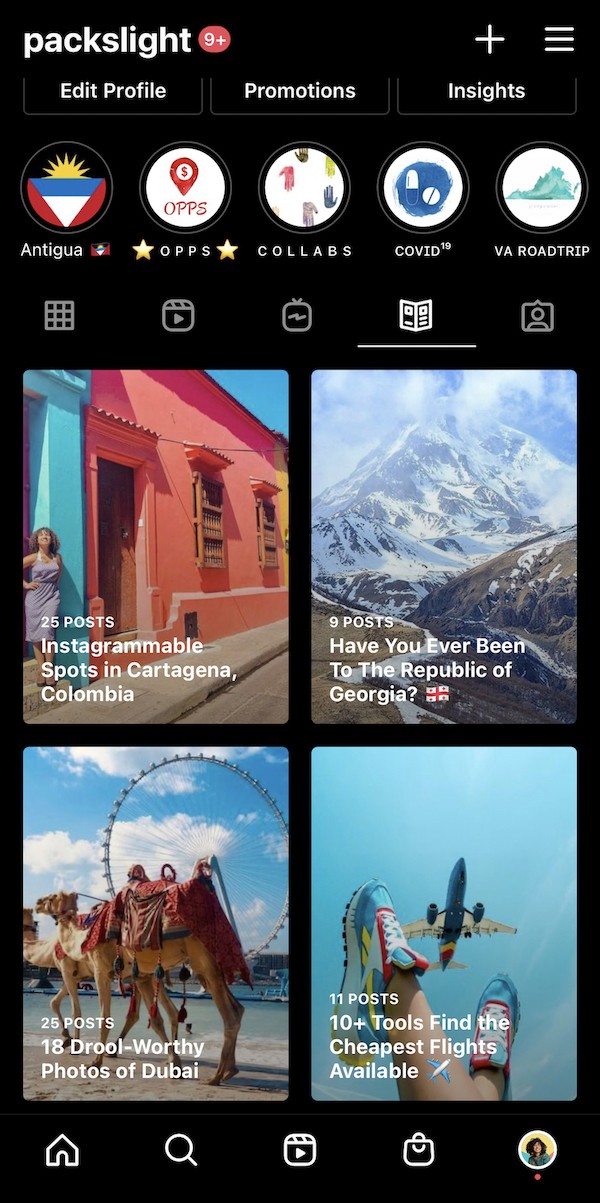
The allure of Instagram Guides is clear—namely in that you feel that you can do all of your content creation on one social media platform.
Using the feature might have you thinking: “why do I need to have a blog that my followers have to struggle to click to when I can just make an Instagram guide and keep them on the same platform?”
That's the exact thought that Facebook and Instagram want you to think, and I'm here to stop you.
Website and your email list are your only constants in life.
The only platforms you can ever truly own and control are your website and your email list (my recommendations for both of these? Big Scoots as hosting, and Convertkit for email newsletter).
Instagram updates and changes way too often to have all of your ideas and content on that platform. Don't do it! Your website is still your bread, your butter, and your baby. Instead of replacing it with Instagram Guides, enhance it.
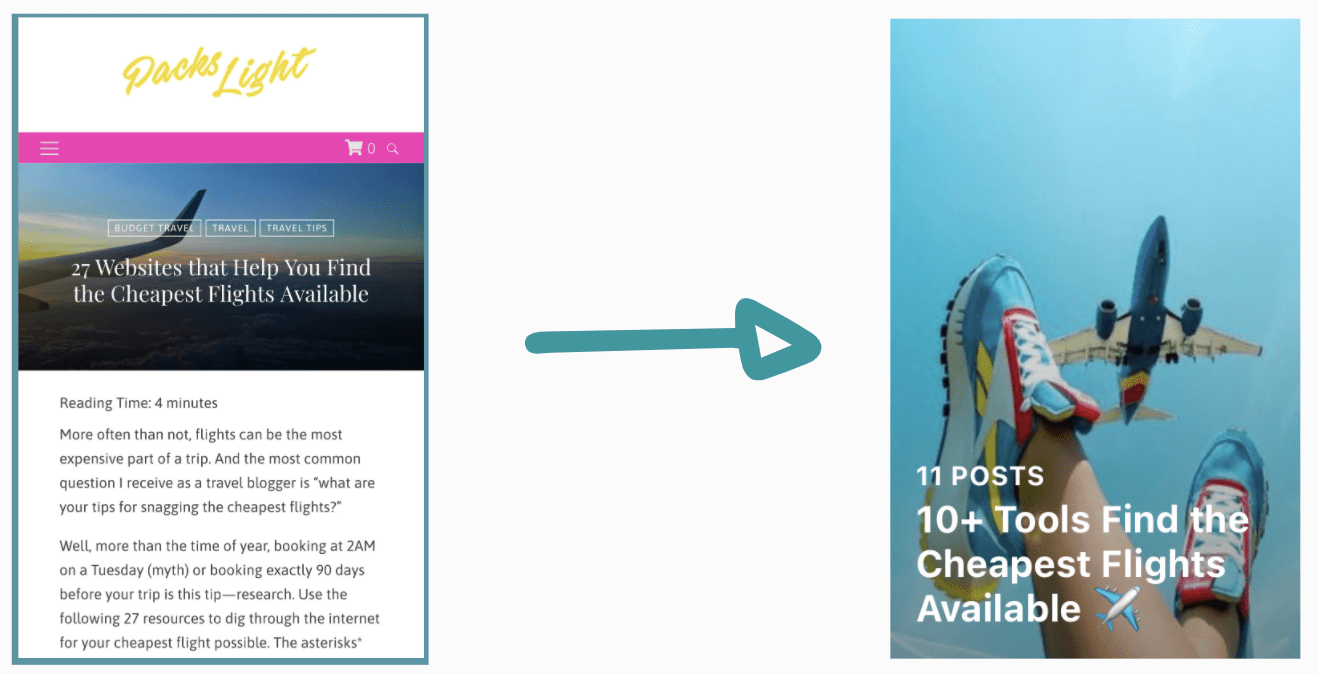
Use guides to hint, or introduce concepts that you go more in-depth about in your blog posts and make them work as top-of-funnel.
2.) Your mindset should be: repurpose, repurpose, repurpose that content!
Guides will be great for both repurposing your old Instagram posts and giving them a new chance for engagement, which you can do by also repurposing your past blog listicle ideas. 5 Things to do in Bangkok can become a super easy Guide using your past IG posts and Reels.
Guides can incentivize businesses and influencers to repurpose and repost content from other platforms including TikToks, YouTube videos, and Tweets onto the Instagram platform with the purpose of bundling them into Guides.
No thoughts. Just reduce, reuse, and recycle your own content.
3.) You can combine others' content and your own.
Want to make an Instagram Guide on “The Top 10 Things to Do in Washington D.C.” but missing photos a few of your favorite suggestions? No worries.
Just make sure you've saved the outside content you're looking to use in your Guide beforehand and you can mix it into your content to make a cohesive bundle.
This is a golden opportunity to earn brownie points with other influencers or potential partners, and collaborate on round up lists 👀
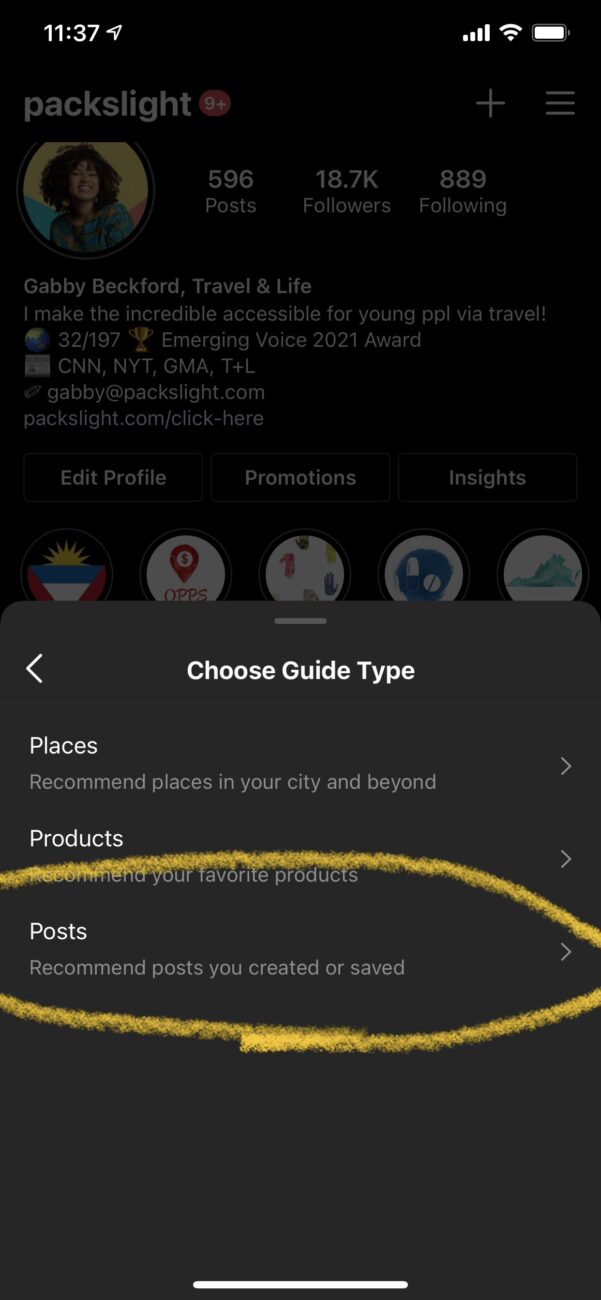
4.) Links are not clickable. Womp.
Sadly, links are not hyperlinked (yet?) in Instagram guides. Obviously, Instagram does not prefer us to drive our followers off of the Instagram app. You have to wonder why…
Knowing this, here are your two options:
Make the links easily typable. Using custom link-shortening services like bit.ly/ to make your links short, and easy to type into a customer's browser can dramatically increase
If you have swipe-up capabilities, make every IG Guide and Instagram story highlight. Share the Guide to your stories, and then add a hyperlink to the associated blog posts. Then, drive IG Guide readers to your IG Highlights.
New Guide readers flow will then be: Guide ➝ IG Highlight ➝ Blog post
Add relevant blog post links into the Instagram Guide's description. In every Instagram Guide, you have the option to add a descriptive introduction.
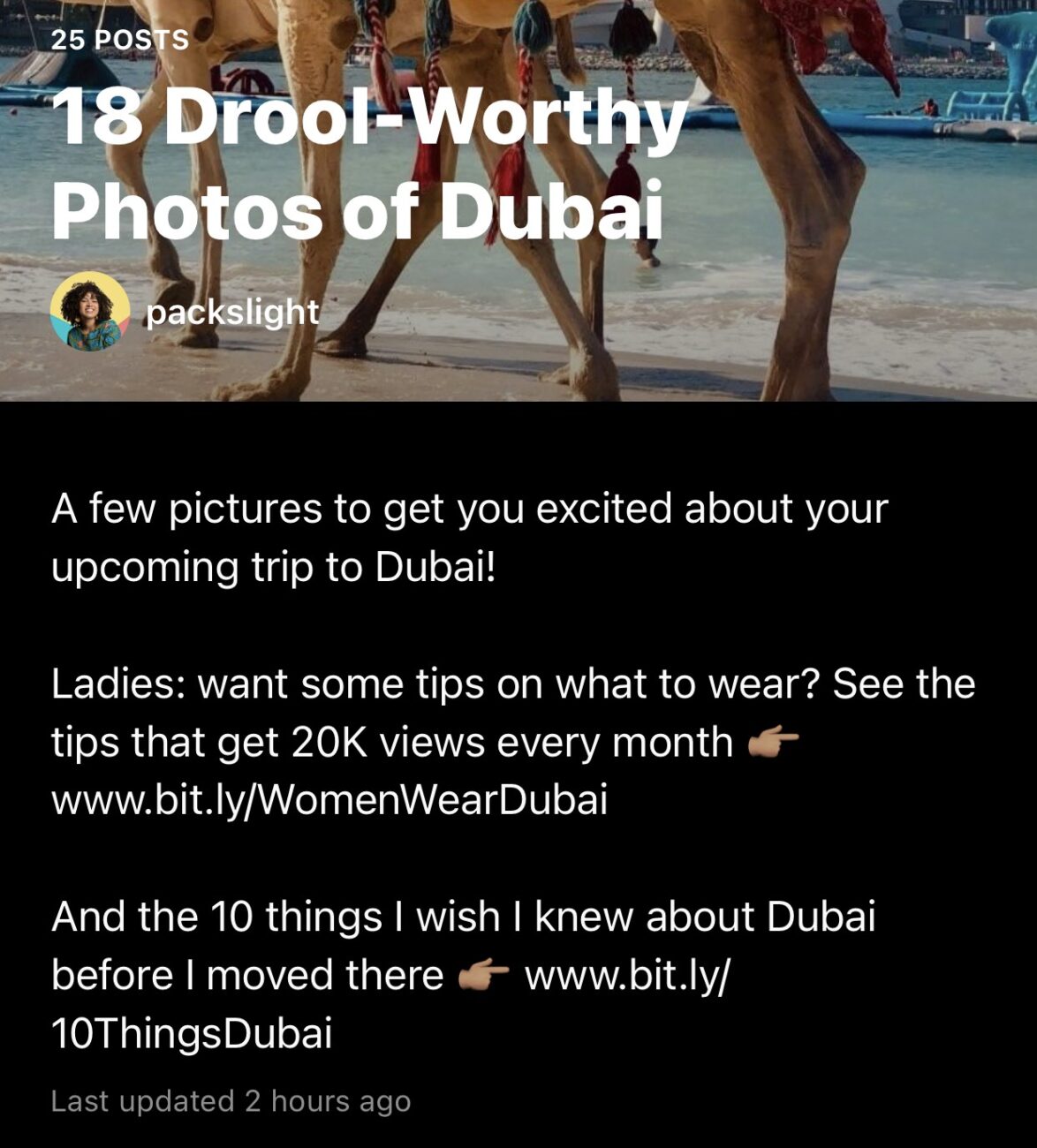
5.) Instagram Guides do not have analytics.
Instagram Guides do not have any way to let you know how many people viewed, scrolled, or clicked through your guides. I expect this will roll out in the coming months.
Until then, influencers and brands should keep that in mind when creating them and leveraging them in brand partnerships. You can still report success as:
- unique link clicks
- IG Guide shares to story
- Individual post increase in likes
- Static ad space
and more!
6.) Influencers should think of Guides as another avenue in brand partnerships.
A new feature means a new way that you can use to bring value to partnerships and your own products. Because there's no way yet to track analytics, Instagram Guides are likely best used to package with Instagram Posts, Reels, or IGTV content deliverables for now.
ex. Packaging 2 static posts, 2 Reels, and 1 Guide of those deliverables, to combine them all into a cohesive reference point.
Here are some talking points about adding Instagram Guides to bring value to a partnership:
- Instagram always rewards using their newest features with increased exposure…
- New features tend to garner the most interest from app users, no matter the content…
- Guides will make sponsored content packages easier to find and engage with…
- Instagram Guides do not have a sponsored function (yet?) so a sponsored guide can be recognized by the platform as organic…
Because Instagram guides do not have analytics, it's possible that brands may struggle to see the value of them. But even without analytics, Instagram guides are static collections of posts, and can serve as ad space. For a business or influencer with loyal followers and high engagement, a Instagram Guide named “my favorite travel products” or “these remote work tools saved my life during my year abroad!” can absolutely convert, and not only push traffic to those brands accounts, and ultimately sales.
7.) Other businesses and creators see when you use their content in your Instagram Guides.
This is the most intriguing, and valuable aspect for me. When you use a person or business' IG Reel, IGTV, or Post, they get a notification in just like “someone liked your photo” except saying “someone used your content in their Guide”.
You just can't help but click on a notification like that!
And if you've taken the time to add an intentional title and subtitle to their content and promote it in a flattering way, who knows? Maybe they'll send you a thank you, or even better, be interested in officially working with you.

Instagram Guides have the potential to help revive your older content and get saves, likes, and comments on your new content as well. This is hopefully your sign to be more intentional about batching your content ideas as well!
So much potential with this new feature. Play around with it, see how it can best serve your content.
Are you going to try out Instagram Guides soon? With what content?